PinMark Free
- Max 2 active image cards
- Max 2 custom templates
- Edge Docking, Markdown, LaTeX & code highlighting
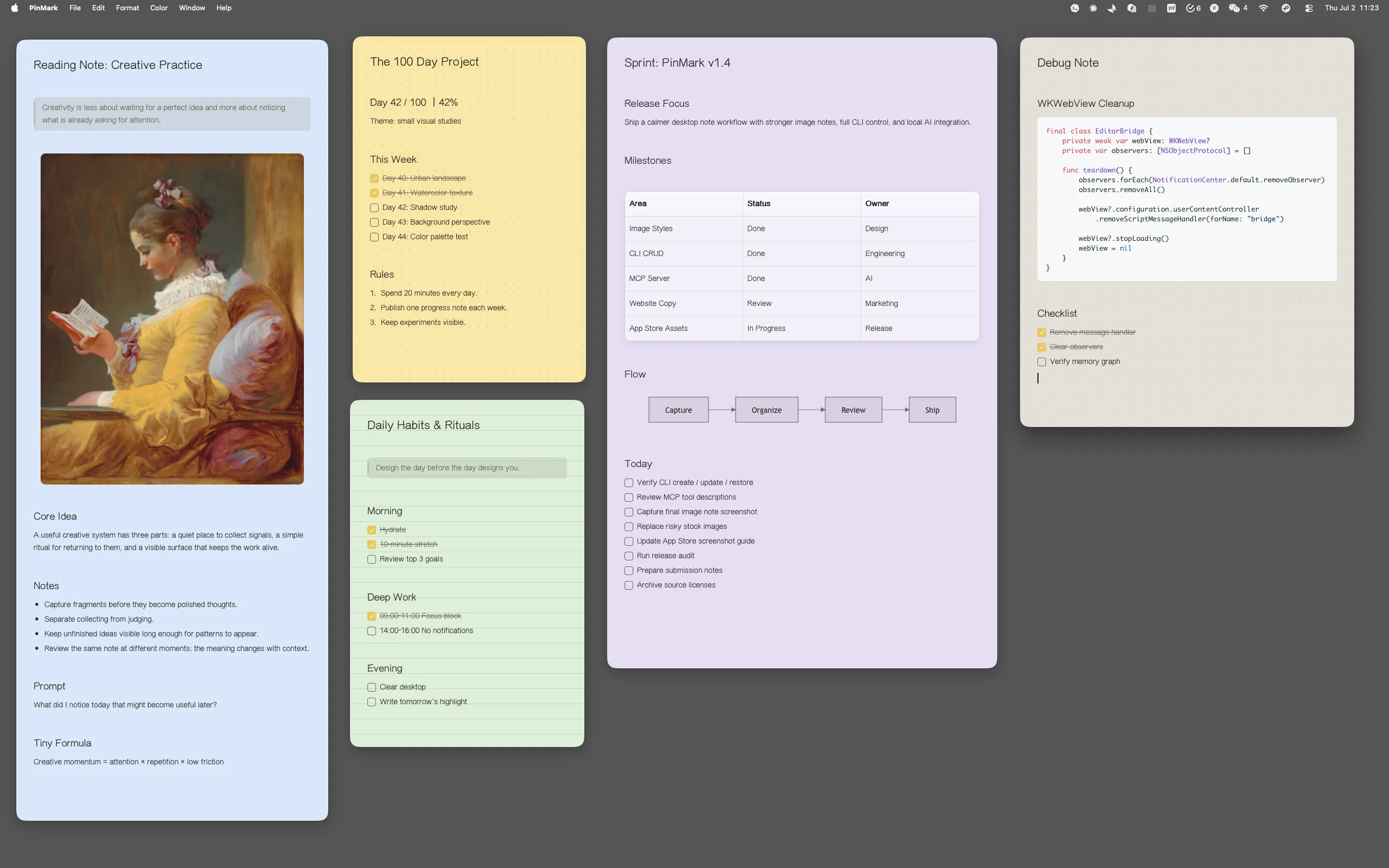
Pin notes and images directly on your macOS desktop so your next action is always visible. Always visible, never in the way.
No account required. Local-first. iCloud private storage. Works offline.
Pin your "Work Checklist" to the screen edge. It automatically slides out of sight when you're in the zone, and smoothly reappears the moment your cursor hovers over the edge. Keep your workspace clean without losing track of your roadmap.
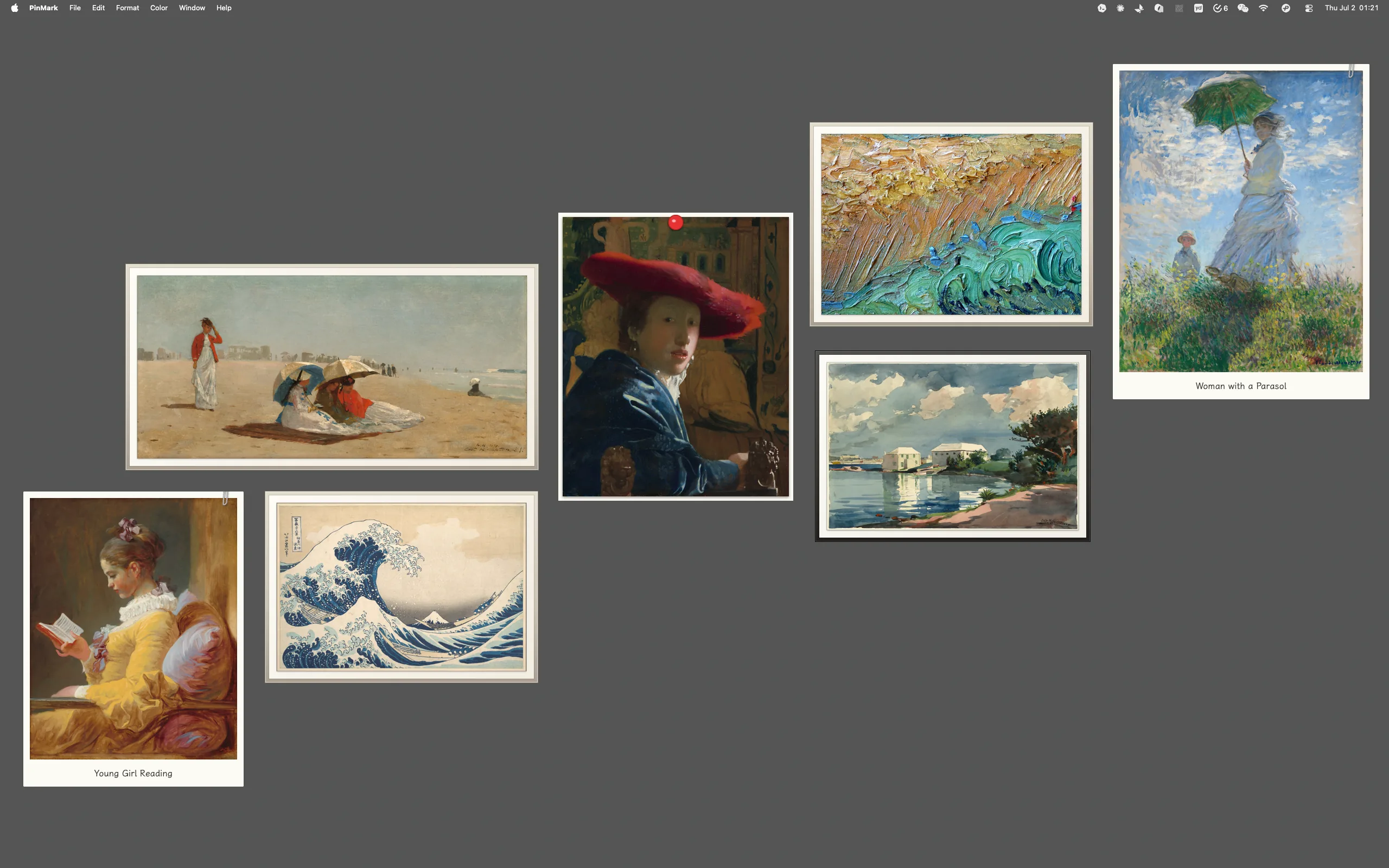
Pin your work checklistPin your favorite family moments, pet photos, or travel memories as elegant polaroid-style stickers. Your digital workspace doesn't have to be just for work—it can be a gallery of memories that motivates your day.
Pin your precious memoriesPin a photo of a bill, a parcel, or a handwritten note. Use the built-in OCR to extract visual information and instantly save it as an editable Markdown note. No more tedious manual retyping of tracking numbers or reference texts.
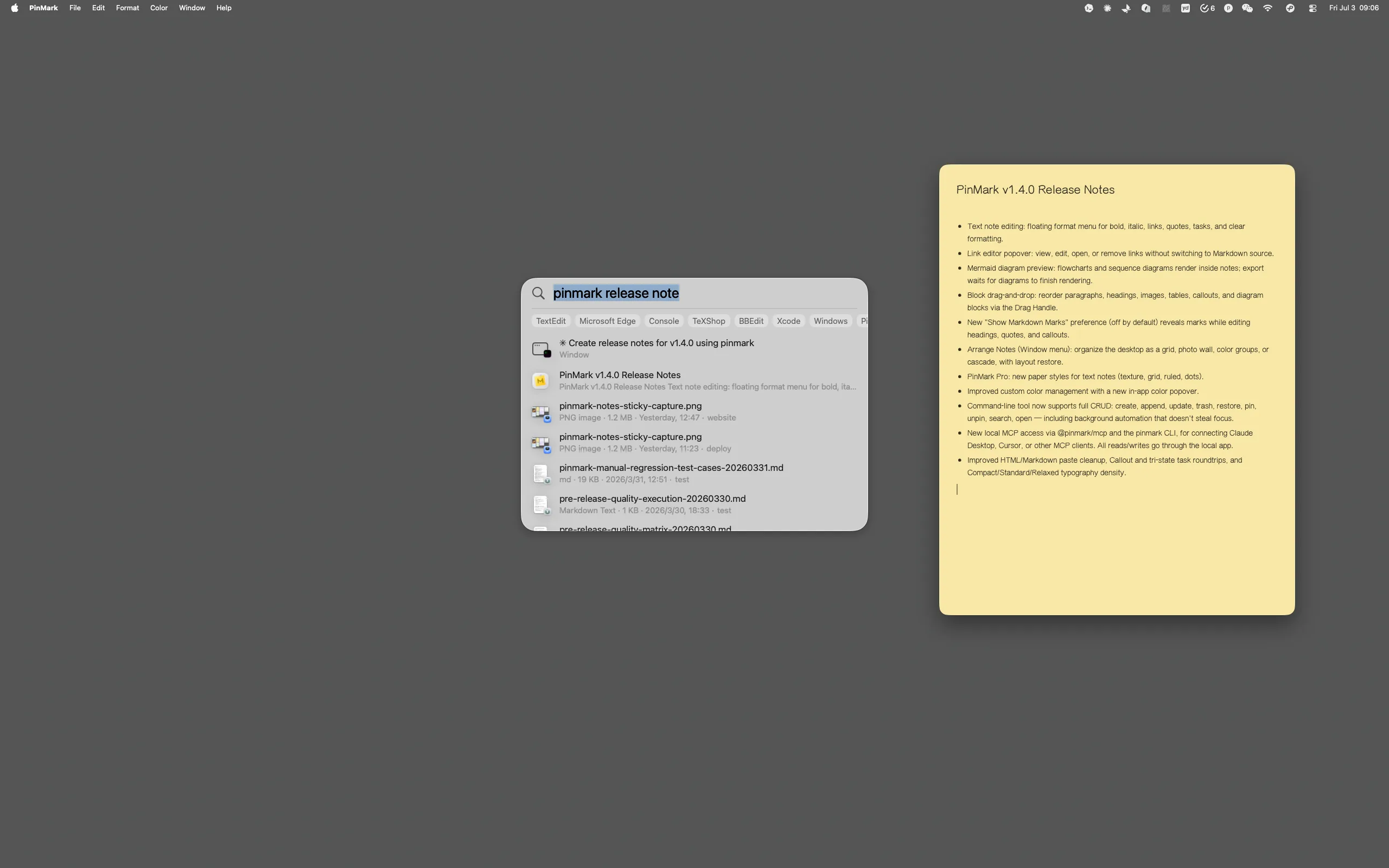
Extract text from your next photoStop facing the blank page. Use the Slash Command (/) to instantly summon your template library. From "Meeting Briefs" to "Project OKRs," build a library of starting points you can reach for every time.
Explore template libraryPin reference images or design specs with Ghost Mode. It stays visible as a semi-transparent layer while being completely click-through. Perfect for tracing UI, aligning pixels, or staying inspired while working seamlessly on the canvas below.
Try click-through reference modeShare your thoughts with the world in style. Export notes as beautiful, high-quality images with customizable themes like "Paper" or "Canvas." Add your personal signature and remove branding—perfect for social media or professional updates.
Share your first noteKeep API docs and Git commands in sight. No more window toggling.
Overlay specs and reference images. Achieve pixel-perfect alignment.
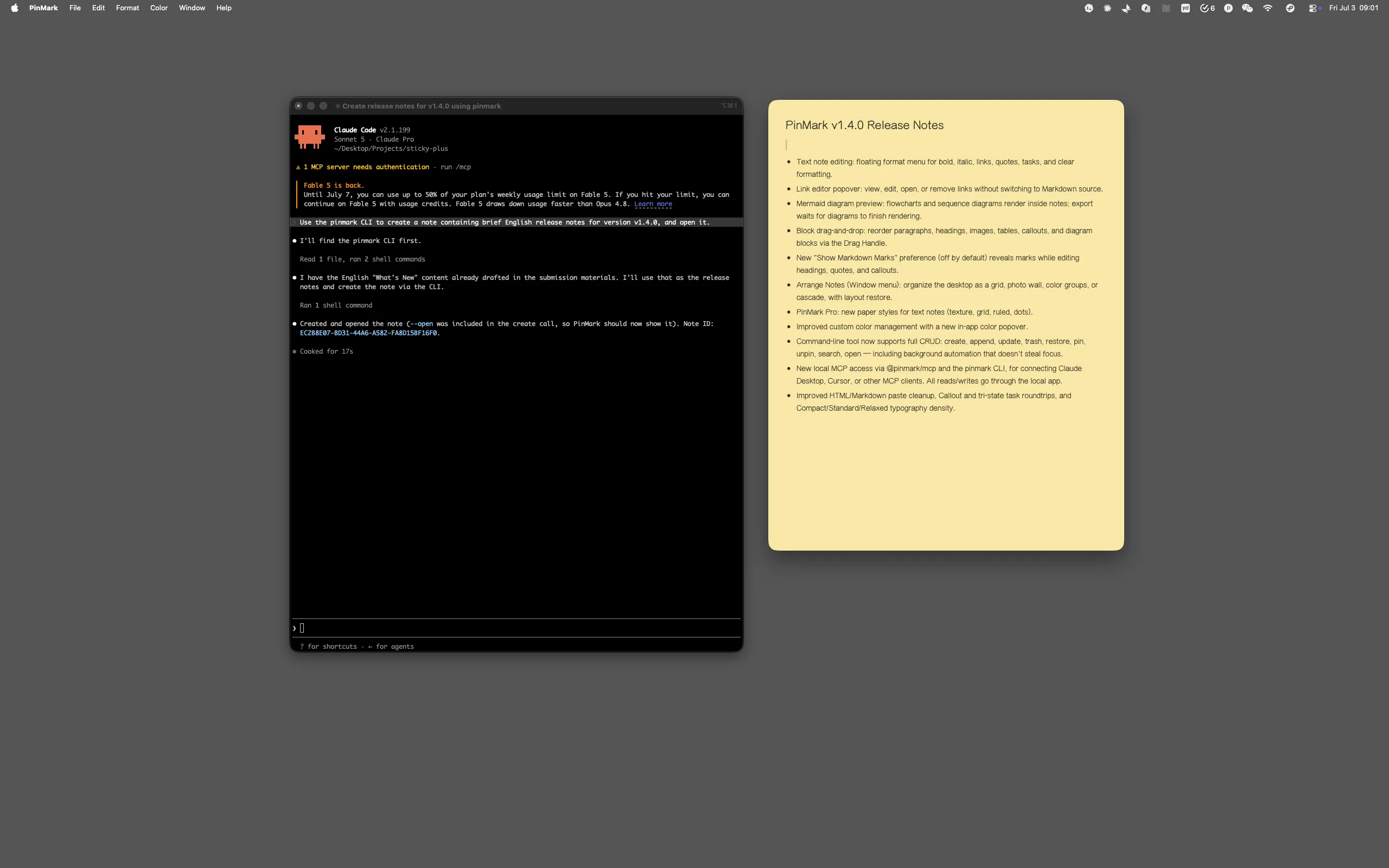
Turn screenshots and moodboards into structured, synced notes instantly.
Manage endless task lists without cluttering your main workspace.
Start free and upgrade when OCR, Ghost Mode, and multi-device sync become part of your daily workflow.
Pricing on the Mac App Store · Varies by region
PinMark is a pro-grade workspace tool. Unlike Apple Notes which is a "box" for storage, PinMark is a canvas for your desktop. We bring full Markdown support and Image Stickers directly to your workspace, enhanced with Edge Docking, Ghost Mode, and OCR. It's built to keep your information visible and actionable, not buried inside an app.
Your content stays in your Apple iCloud private storage. We use local-first architecture, meaning we never have access to your notes or images.
PinMark Pro is handled through the Mac App Store. We value simplicity and transparency in our pricing—check the App Store page for the current model in your region.
Not at all. With Edge Docking, you can slide your notes to any screen edge where they automatically hide. They stay completely out of your way and only slide out when you need them, keeping your workspace clean and focused.
Absolutely. PinMark is for anyone who wants to keep important information in sight. Whether it's a daily grocery list, a tracking number from a parcel (via OCR), a travel itinerary, or a family photo, PinMark helps you stay organized and inspired.
Absolutely. PinMark is designed to be fully functional offline. Your notes are stored locally on your Mac and will sync via iCloud once you're back online.