PinMark Free
Markdown, screenshots, image notes, Edge Docking, Shortcuts, Share, and Spotlight:
- 50 text notes
- 2 image cards
- 3 image styles
- Edge Docking, Markdown, LaTeX & code highlighting
- Screenshot notes
- Shortcuts, Share & Spotlight
Keep tasks, screenshots, references, and ideas visible while you work. Always close, never in the way.
No account · Local-first · Works offline · Optional iCloud sync
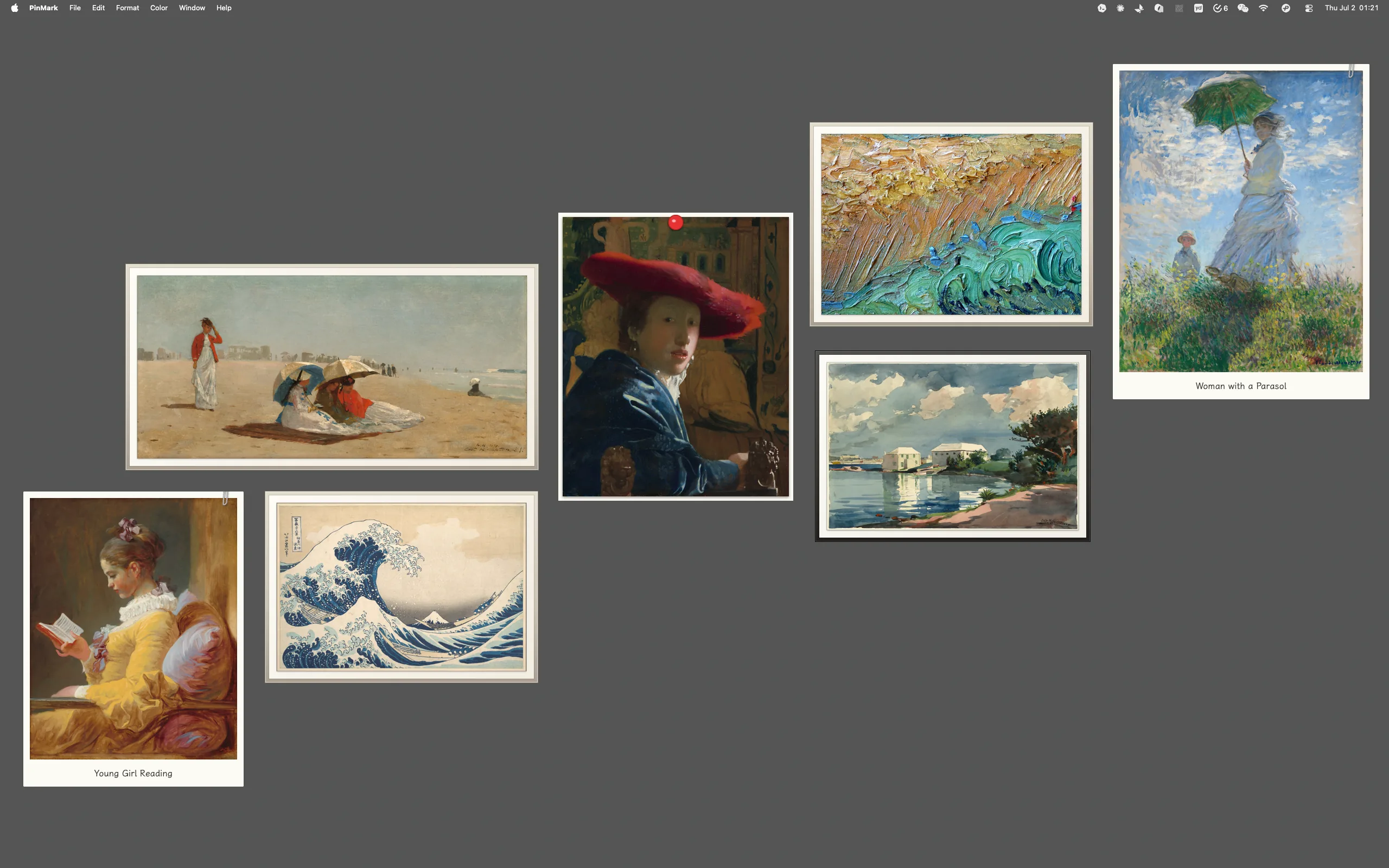
Drop in family moments, travel shots, or visual references and dress each one as a tangible object — Polaroid, washi tape, pushpin, wood frame, gallery, vintage, or mono. Seven curated styles turn your desktop into a textured photo wall, not just another folder of files.
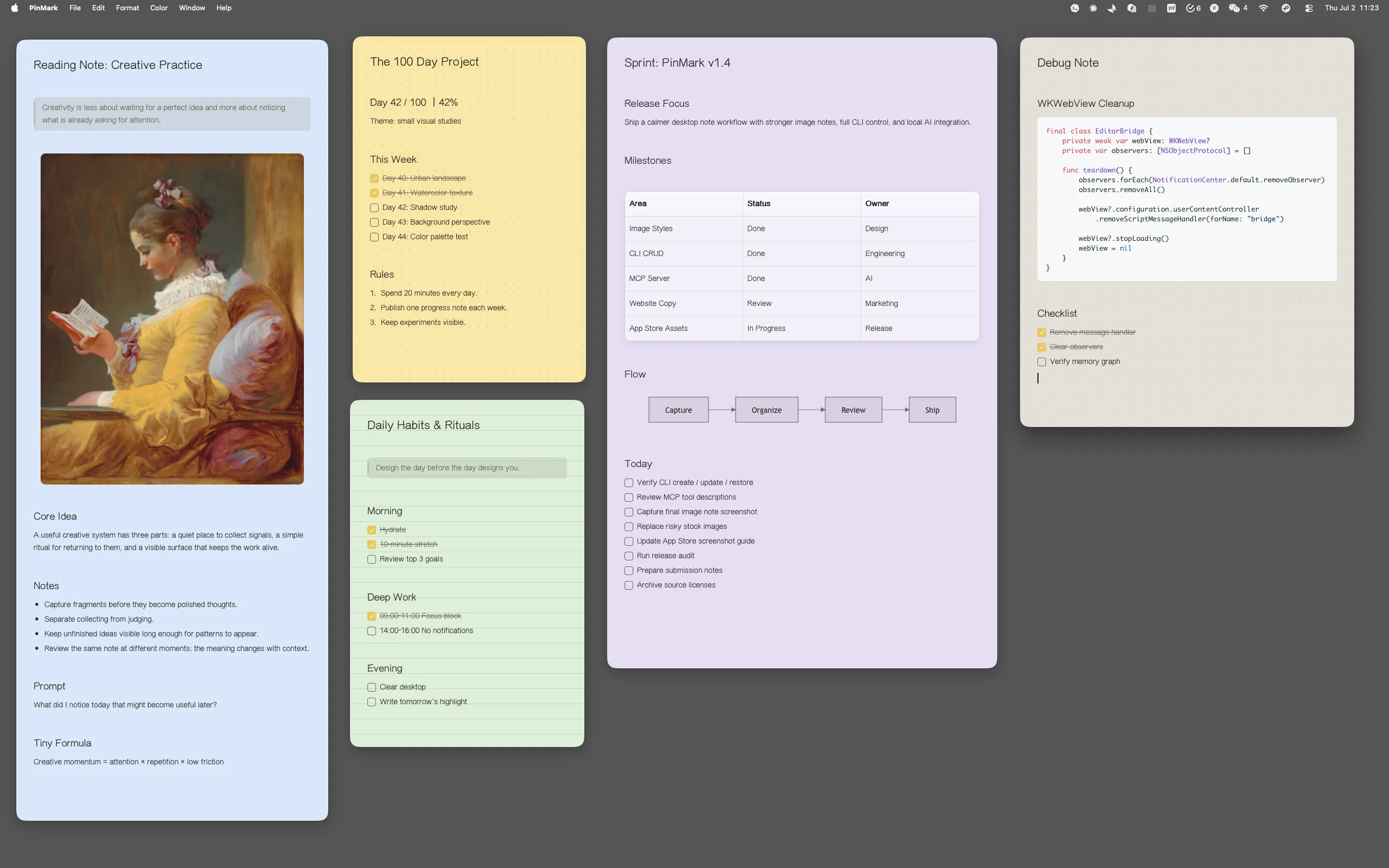
Get a WYSIWYG Markdown and rich-text editing experience: headings, links, callouts, code, tables, and checklists render as you type. Mermaid diagrams render locally inside the same note, even when you are offline.
Turn scattered text and image notes into a grid, photo wall, color groups, or cascade. Restore the previous layout whenever you want to return to your working arrangement.
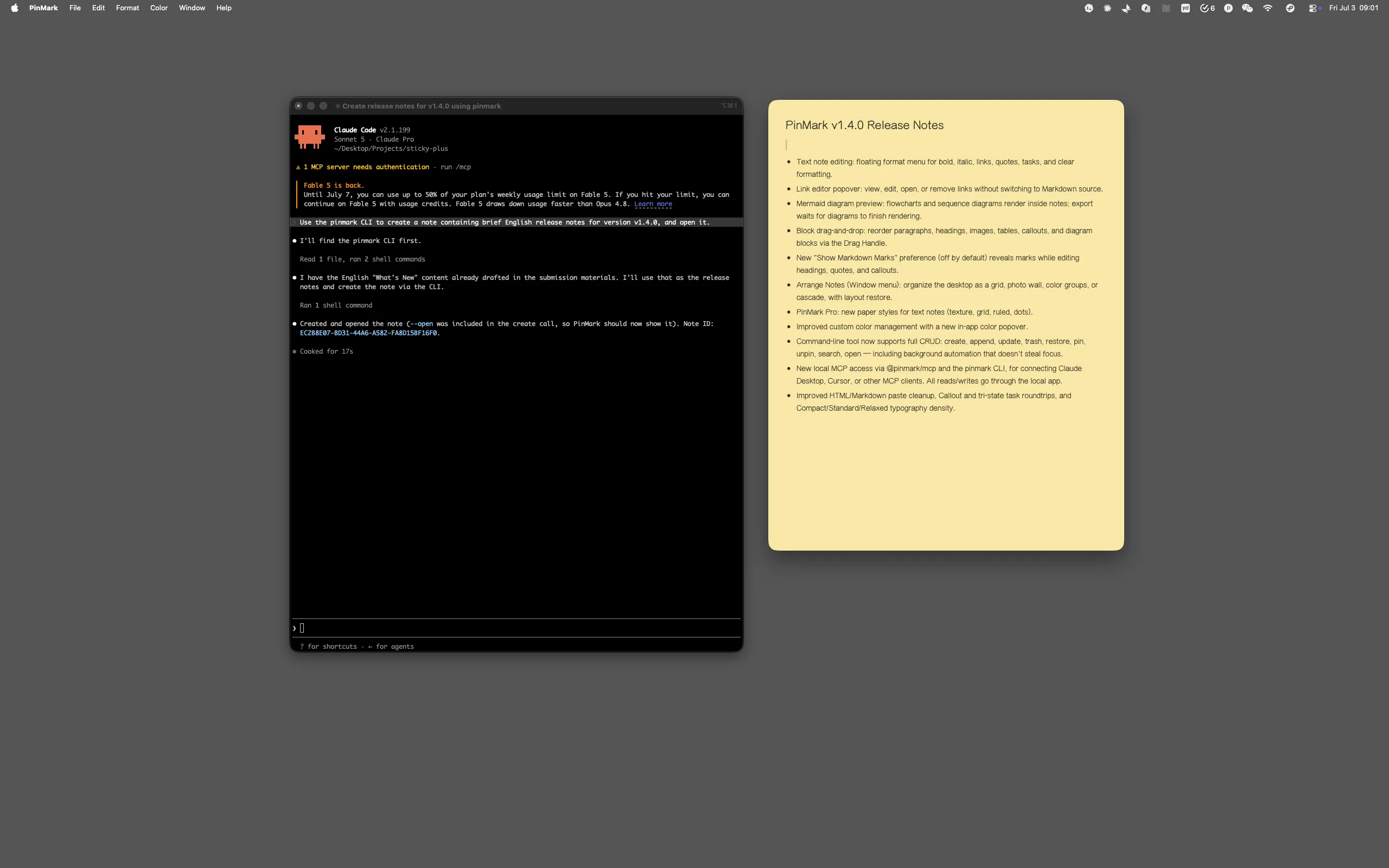
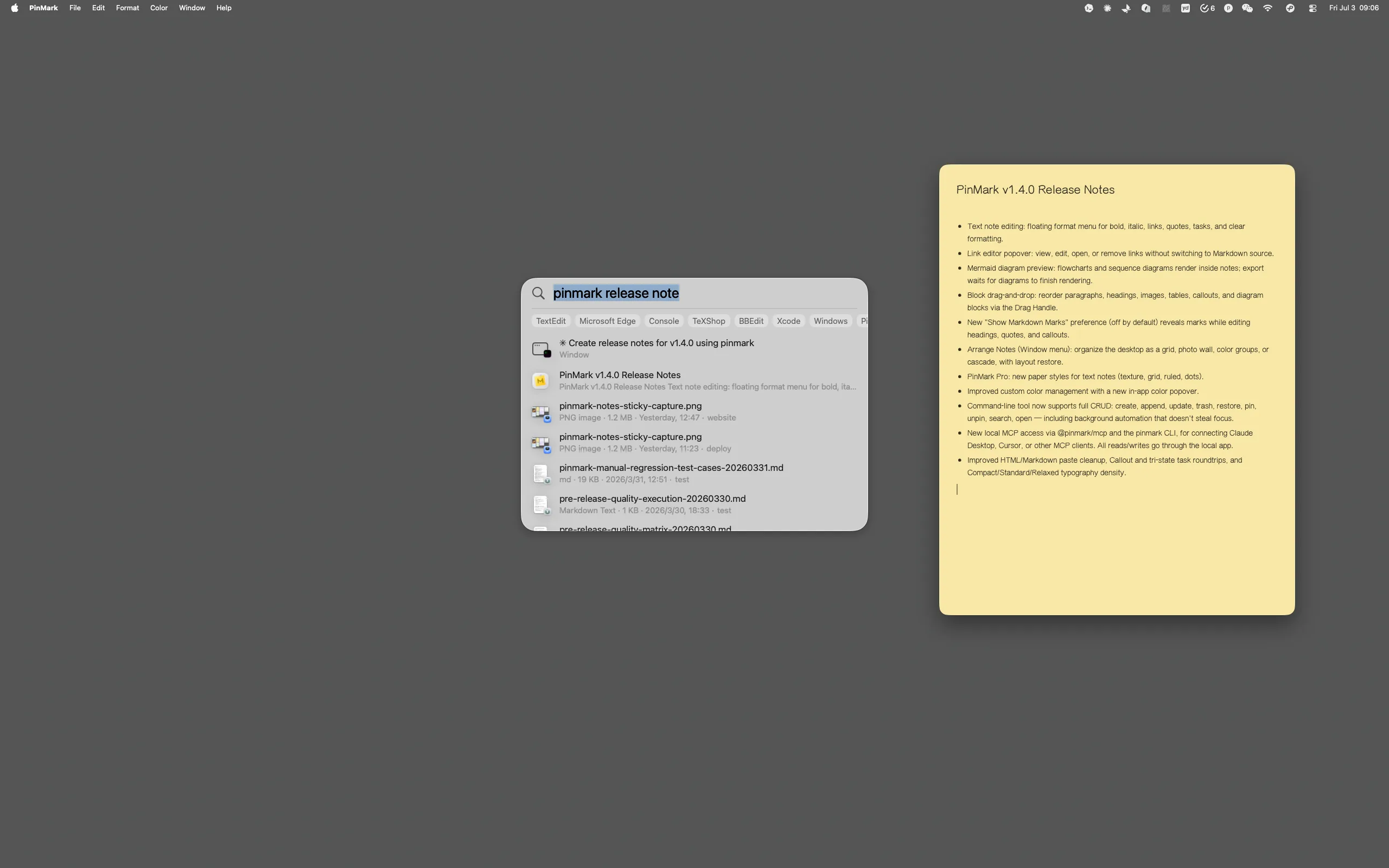
PinMark’s local CLI and MCP connection let compatible tools create, search, update, organize, and open desktop notes without reaching into the database.
MCP and CLI calls go through the PinMark app, do not access the database directly, and can run without stealing focus. Shortcuts, Share, and Spotlight still work where you expect them.
Dock a checklist to the screen edge and it slides out of sight. On your Mac, move the pointer back to that edge whenever you need it. Keep the desktop clean without losing the thread.
Pin reference images or design specs with Ghost Mode. It stays visible as a semi-transparent layer while being completely click-through — perfect for tracing UI, aligning pixels, or staying inspired while you work on the canvas below.
Keep API docs and Git commands in sight. No more window toggling.
Overlay specs and reference images. Achieve pixel-perfect alignment.
Turn screenshots and moodboards into structured, synced notes instantly.
Manage endless task lists without cluttering your main workspace.
Start with the complete desktop-note workflow, then upgrade when unlimited space, OCR, personalization, and multi-device sync become part of your day.
Markdown, screenshots, image notes, Edge Docking, Shortcuts, Share, and Spotlight:
Build an unlimited, personalized workspace with one lifetime purchase:
Pricing on the Mac App Store · Varies by region
Traditional notes apps keep information inside a window. PinMark keeps selected Markdown notes and images directly on the desktop, where they remain visible and actionable while you work.
Your notes live on your Mac (local-first), so we never have access to them. Turn on iCloud Sync (Pro) and they stay in your own private iCloud across your devices.
One-time purchase. PinMark Pro is a single lifetime unlock — no subscription, ever. Buy it once on the Mac App Store and it's yours, including future updates.
Up to 50 text notes, 2 image cards at once, 3 image styles, and the default paper style — plus screenshot notes, Markdown, Shortcuts, Share, and Spotlight. Upgrade to Pro for unlimited notes, all 8 image styles, paper textures, iCloud Sync, OCR, Ghost Mode, and more.
Not at all. With Edge Docking, you can slide your notes to any screen edge where they automatically hide. Use Arrange Notes to tidy visible notes into a grid, photo wall, color groups, or cascade whenever your workspace needs a reset.
Absolutely. PinMark is for anyone who wants to keep important information in sight. Whether it's a daily grocery list, a tracking number from a parcel (via OCR), a travel itinerary, or a family photo, PinMark helps you stay organized and inspired.
Absolutely. PinMark is fully functional offline — your notes are stored right on your Mac. If you enable iCloud Sync (Pro), changes sync across your Macs once you're back online.